Moodle: Course Tools: LSU Overview


GROK Overview Banner

The Course Tools page contains information and links that are especially useful for managing a course. The contents and appearance of Course Tools will vary depending upon your role as a student or instructor in the course. Get more details based upon your role:

You can access this area in two ways. The first way is to click the Course Tools icon on the course card on your My Courses page:
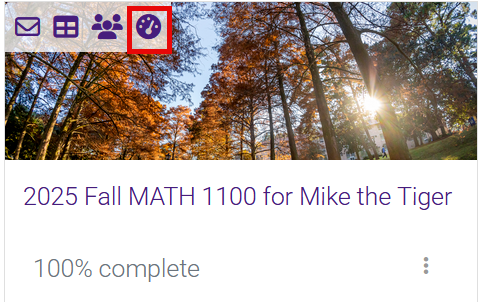
Course Tools icon on the course card on My Courses

You can also click the Course Tools link at the bottom of the table of contents on the left side of a course:
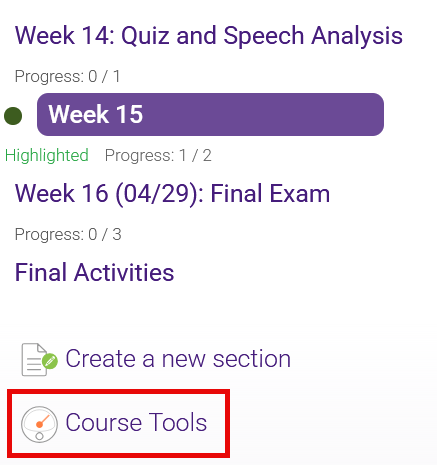
Course Tools icon in course table of contents

Support & Training

The Faculty Technology Center (FTC) provides Moodle support by email, by phone, or live through Zoom. For contact information, please see the article Faculty Technology Center: LSU Overview. To connect through Zoom and for further information on support services and training, see the LSU Online & Continuing Education Faculty Resources & Support page.

The FTC also provides just-in-time faculty training opportunities and recorded training sessions. Attending at least one training session for Moodle upgrades is highly recommended. For a comprehensive list of available workshops and recordings, please see the LSU Online & Continuing Education Technology Training page.

20229
11/3/2025 1:48:56 PM