Windows 11: Sign In with a Microsoft Account
Signing in with a Microsoft Account:
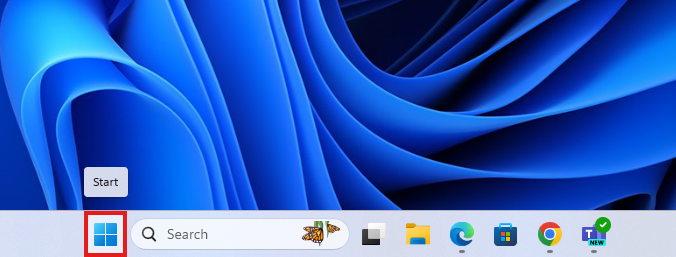
1. Click the Start button at the bottom left of your screen.
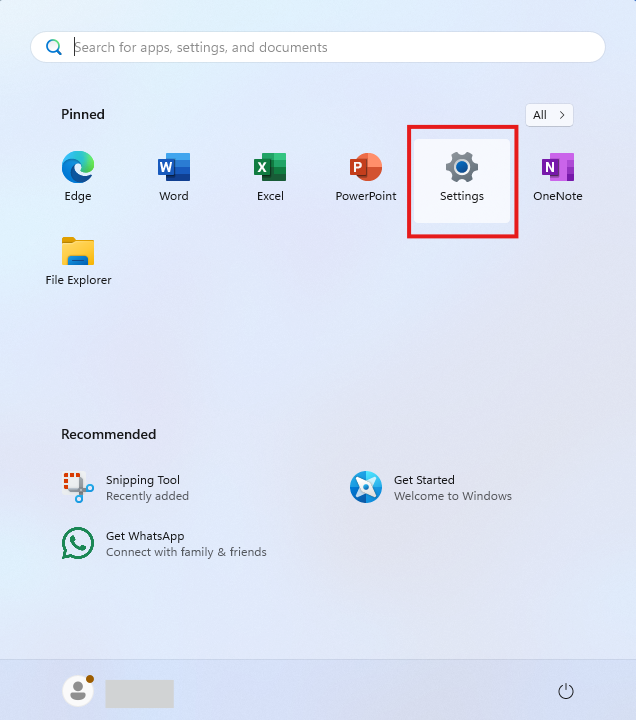
2. On the start menu, select Settings.
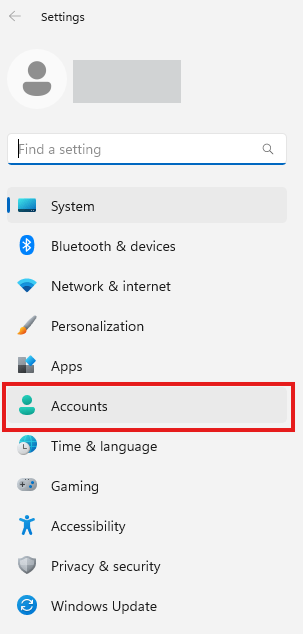
3. Once the Settings screen appears, choose Accounts.
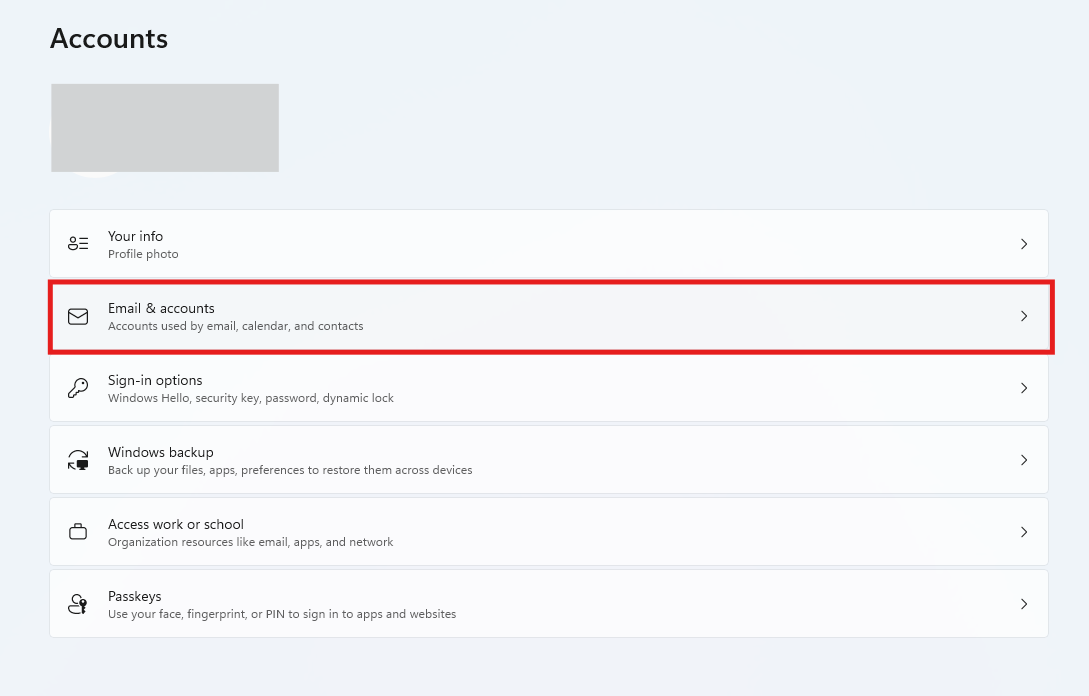
4. On the accounts screen, select Sign in with a Microsoft account instead.
5. Click the Add a Microsoft Account button.

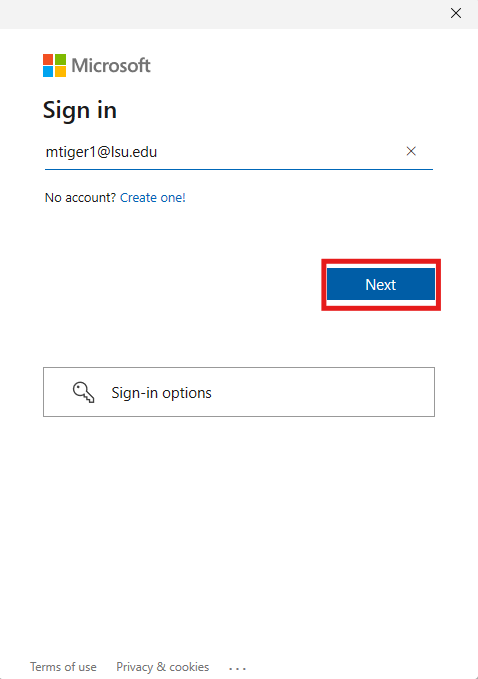
6. Enter your Email and Password, and login.
- NOTE: You may be asked for an activation code during this process in order to verify your identity. The activation code can be sent via text or another email.
Referenced from: Microsoft.com
20625
9/23/2025 8:09:39 AM