VPN at LSU: How to Connect? (iPhone)
To Connect to VPN on an iPhone Device:
1. Open the AnyConnect App.

2. Touch the arrow next to LSU VPN.
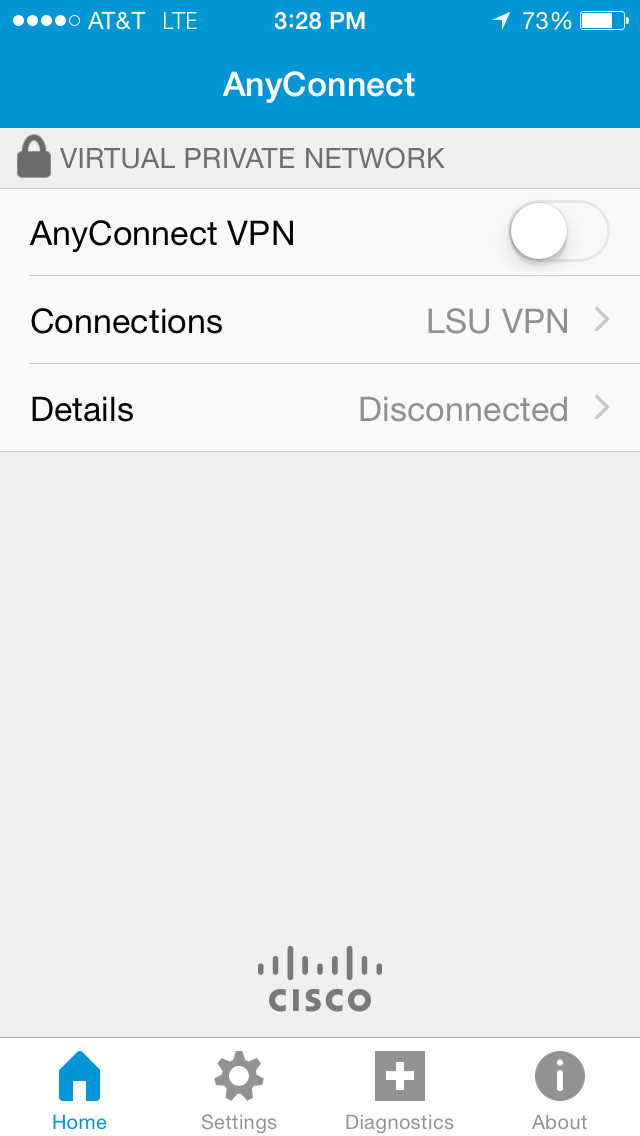
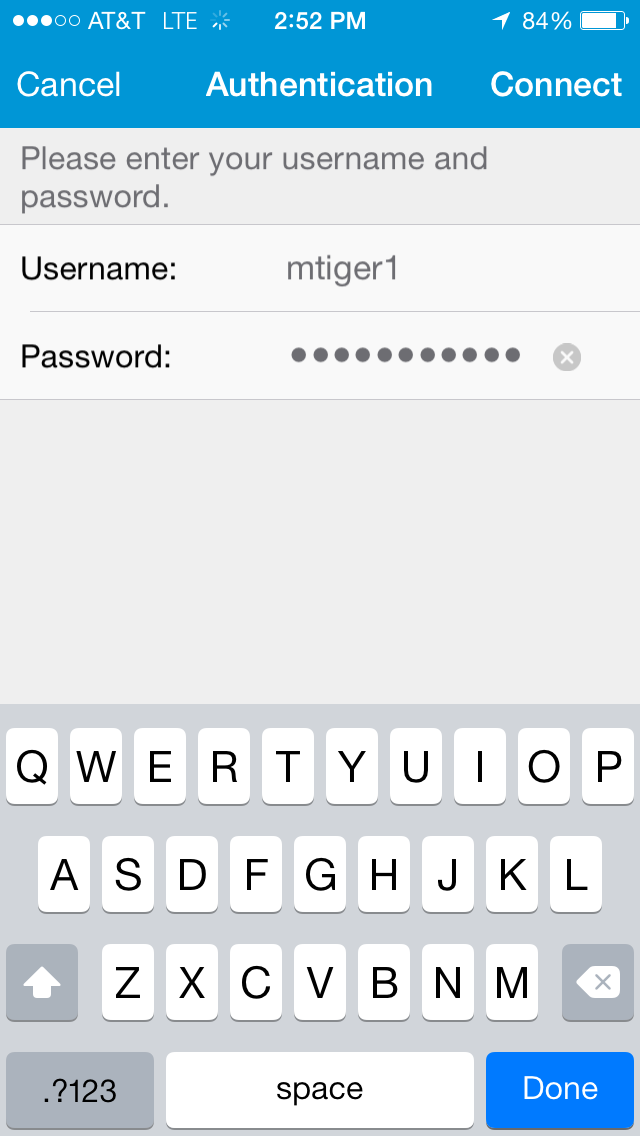
3. Log in with your PAWS ID and password.
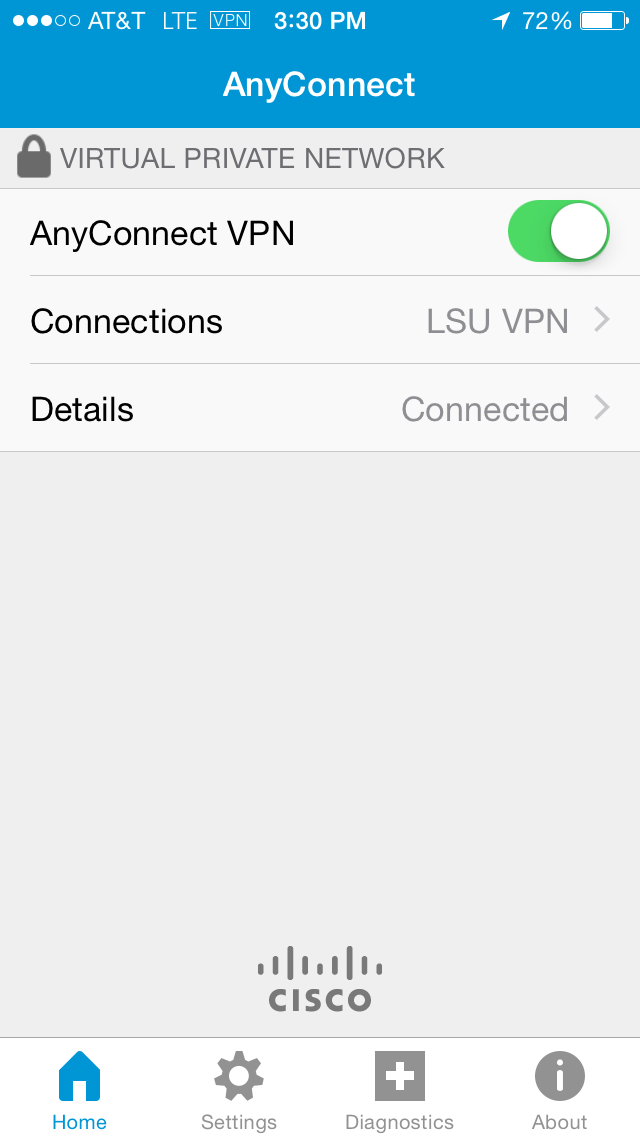
4. You are now connected to LSU VPN through Cisco AnyConnect app on your iPhone.
Troubleshooting VPN
The Automatic Installation DID NOT work...
1. Try another Web Browser. ITS Recommends using Firefox or Safari.
2. See ITS Web Browser Recommendation for more information.
Still NOT Working?
1. Manually download the Cisco AnyConnect Secure Mobility Client file from client.vpn.lsu.edu.
2. Manually install the client by dragging the AnyConnect Secure Mobility Client to the Apps folder.
3. Manually connect to the VPN. View detailed instructions on connecting.
Referenced from: Cisco.com
16167
8/20/2025 11:40:09 AM